

AI for Business Automation is helping businesses save time, reduce repetitive work, and improve productivity faster than ever. Let me tell you what I see a lot. A business owner — smart, capable, running a team of 10 to 40 people — is spending Sunday evening answering emails, updating spreadsheets, chasing invoices, and manually posting on social media. Not because they enjoy it. Because nobody else is doing it, and the tools they have don’t talk to each other. That Sunday evening grind? Most of it is automatable. Not theoretically — right now, with tools that cost less per month than a single business lunch. Here’s where those 10+ hours actually come from.
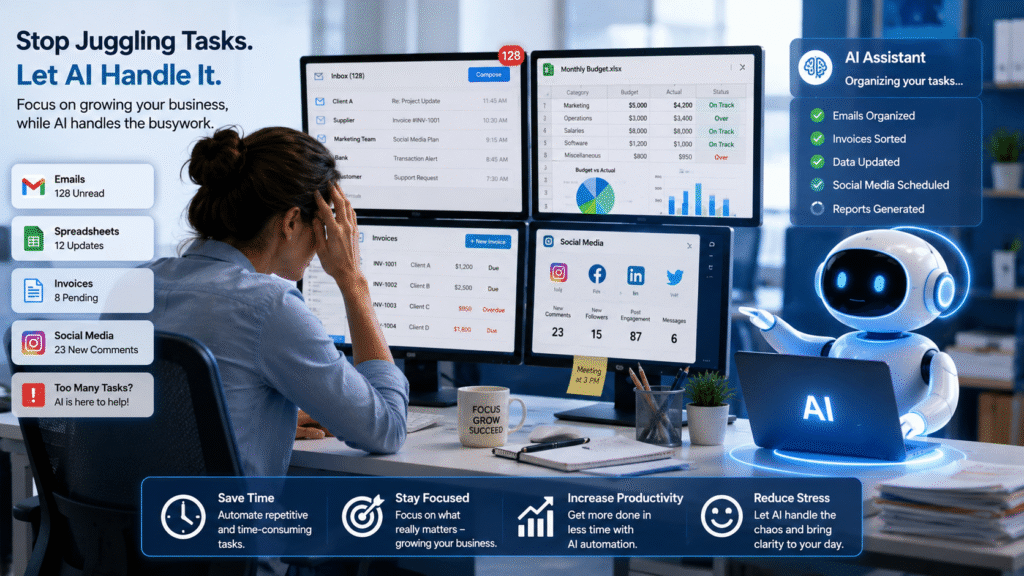
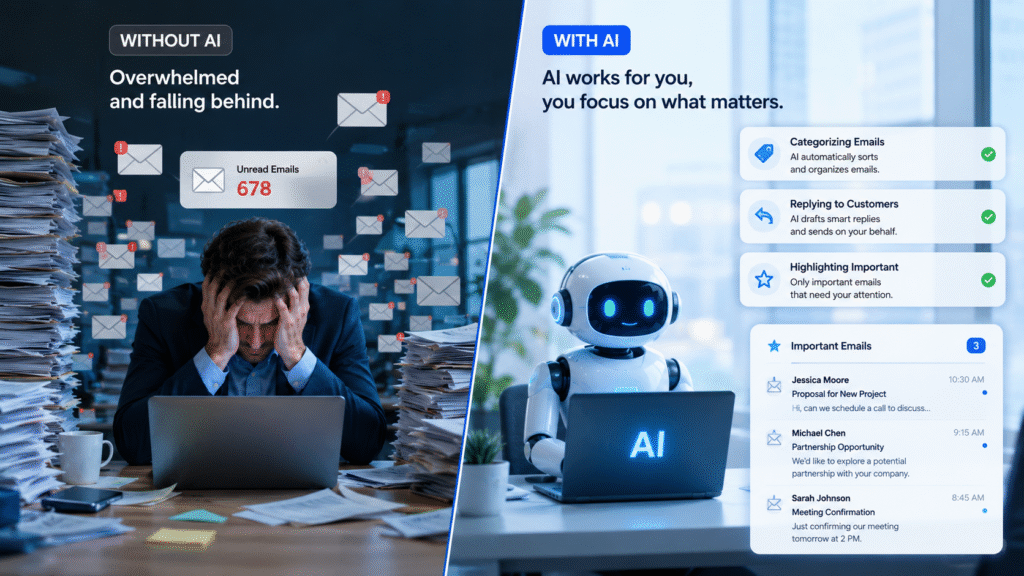
AI for Business Automation starts with eliminating repetitive email tasks. Email is the biggest quiet thief of time in any small business. Sorting, responding to the same questions repeatedly, following up on proposals — it adds up faster than people admit. AI tools like Gmail’s Smart Reply, or a properly configured ChatGPT workflow, can draft responses to routine emails in seconds. You review, tweak if needed, send. What used to take 20 minutes takes 4. For customer-facing teams, an AI-powered inbox assistant can handle FAQs — order status, pricing queries, appointment confirmations — entirely on its own. Your team sees only the conversations that actually need a human.
2. AI for Business Automation in Content and Social Media: Save 3 Hours
One of the biggest advantages of AI for Business Automation is faster content creation. Most small business owners know they should be posting consistently. Most aren’t, because writing takes time and staring at a blank post at 9 PM is nobody’s idea of fun. AI doesn’t replace your voice — it removes the blank page problem. Feed it your offer, your audience, your tone, and it gives you 10 post drafts in 3 minutes. You pick the one that sounds right, clean it up slightly, schedule it. Same goes for newsletters, product descriptions, and even blog posts. The writing isn’t the bottleneck anymore. Your ideas and judgment are what matter — AI handles the first draft.
3. AI for Business Automation for Data Entry and Reporting
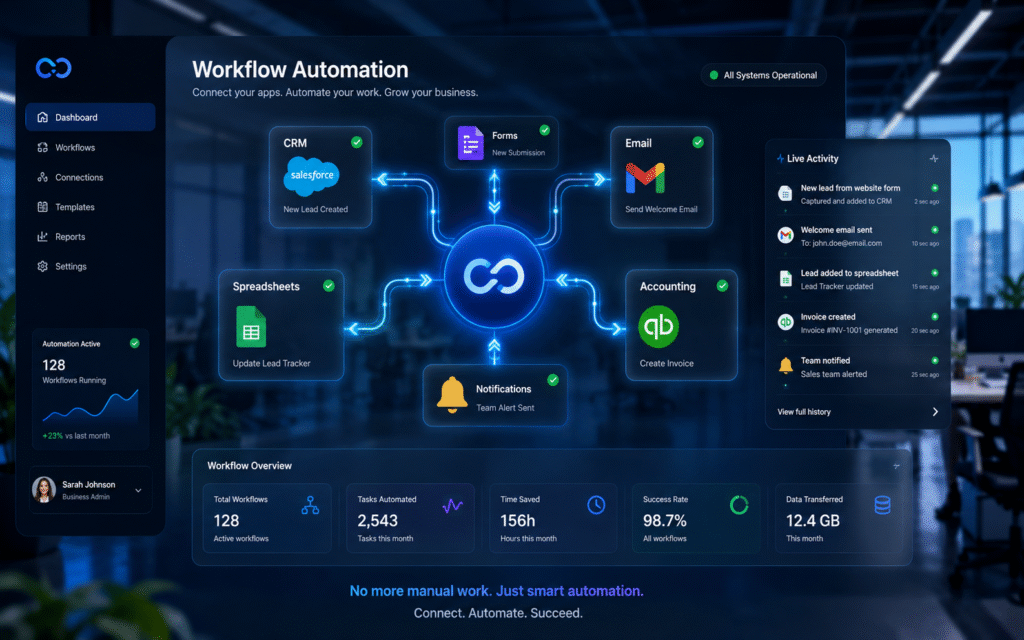
AI for Business Automation also removes repetitive data entry and reporting tasks. If someone on your team is manually copying data from one system into another — from a form into a spreadsheet, from an invoice into your accounting software, from a booking confirmation into a CRM — that is a solved problem. Tools like Zapier and Make (formerly Integromat) connect your apps so data flows automatically. No copy-paste. No human error. No “I thought you updated that.” A well built automation here doesn’t just save time — it prevents the small mistakes that quietly cause big headaches later.
4. Customer follow-ups and lead nurturing: 2 hours back
Customer follow-ups become much easier with AI for Business Automation. Following up with leads is critical. It’s also the first thing that slips when you’re busy. AI-powered CRM tools — many of them built into platforms you probably already use, like HubSpot or Zoho — can automatically send follow-up emails based on what a lead did. Opened your proposal but didn’t reply? They get a gentle nudge in 48 hours. Filled out your contact form but went quiet? Three-touch sequence, no manual work required. The follow-up happens whether you remember it or not. Your close rate improves. You didn’t lift a finger.
5. AI for Business Automation for Scheduling and Coordination
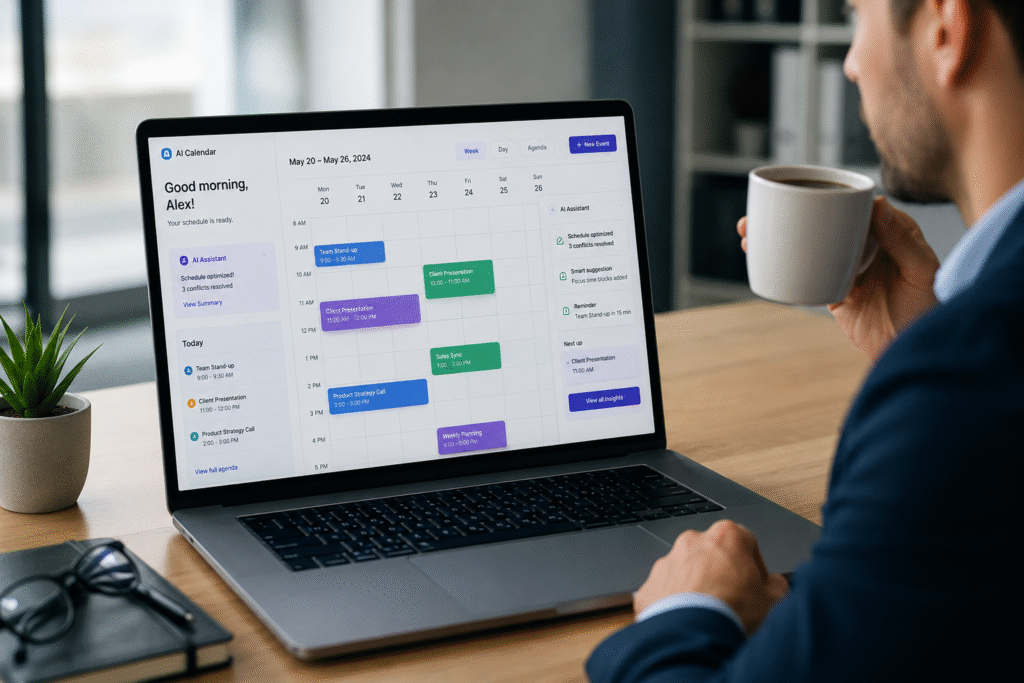
Back-and-forth scheduling emails are a small tax that adds up. “Does Tuesday work?” “I’m free after 3.” “Actually can we do Wednesday?” — that’s 15 minutes for a 30-minute meeting. Tools like Calendly or cal.com let clients or partners book time directly based on your availability. Integrated with AI assistants, they can also reschedule, send reminders, and prep meeting summaries automatically. The coordination disappears from your to-do list entirely.
“Getting Started with AI for Business Automation”
Good — you don’t need to be. Most of these tools have interfaces your grandmother could figure out. The ones that don’t, a good IT or automation partner can set up in a day. You don’t need to understand how it works any more than you need to understand how your accounting software calculates GST. You need it to work. That’s the whole job. The businesses winning right now aren’t the ones with the biggest teams or the biggest budgets. They’re the ones who figured out that AI doesn’t replace people — it removes the boring, repetitive work so your people can do the stuff that actually grows the business.
How to Start with AI for Business Automation
Don’t try to automate everything at once. That’s how you end up with a messy tech stack and six tools nobody uses. Pick the one task in your week that you hate most and do the most often. That’s your first automation. Get it working. Then move to the next one. If you’re looking to use AI beyond simple automation, read our guide on unlocking the potential of AI in business success. If you want a shortcut — we’ve helped dozens of small businesses map their workflows and identify exactly where AI can give them the most time back. It’s usually a 45-minute conversation that saves months of trial and error.

Book a free workflow audit with our team — no jargon, no hard sell. Just a look at where your time is going and what we can do about it.